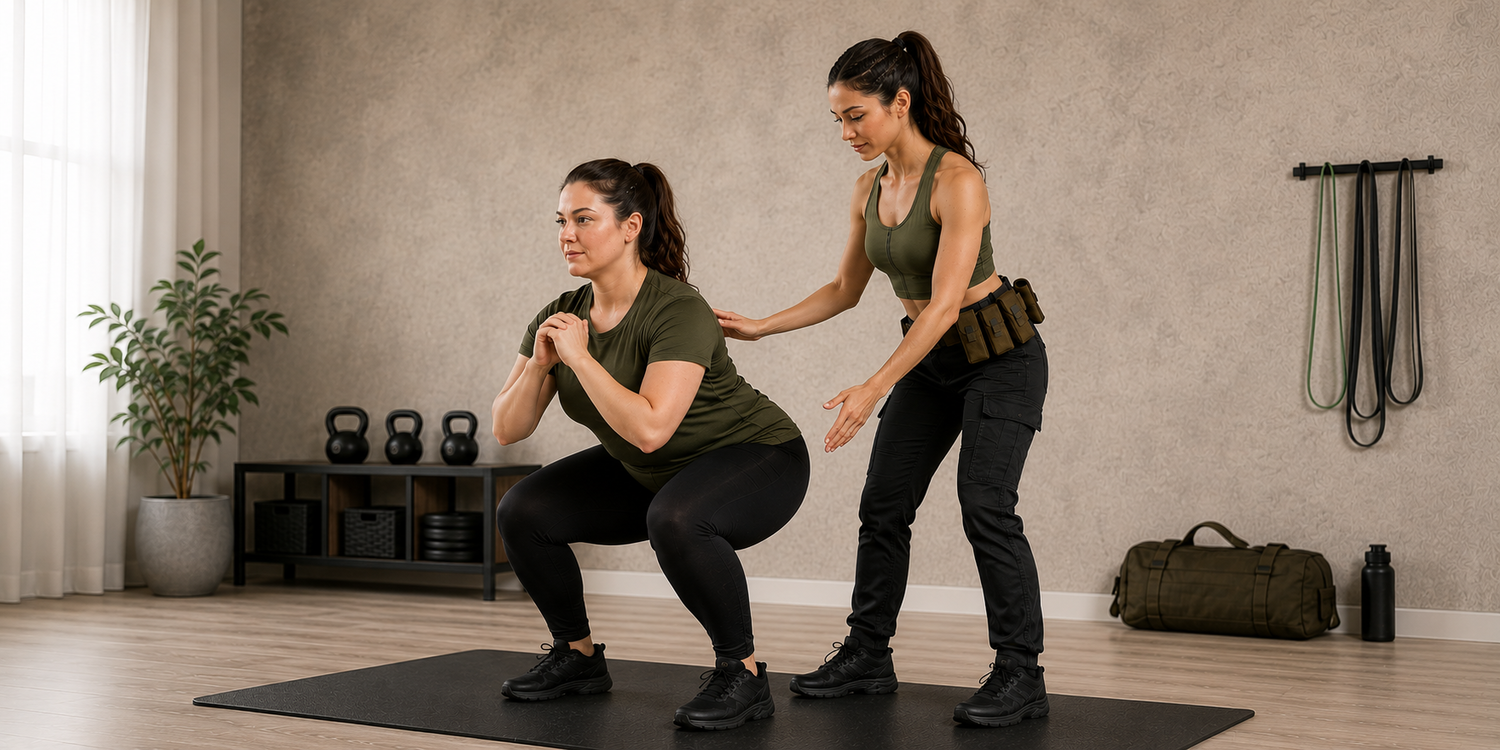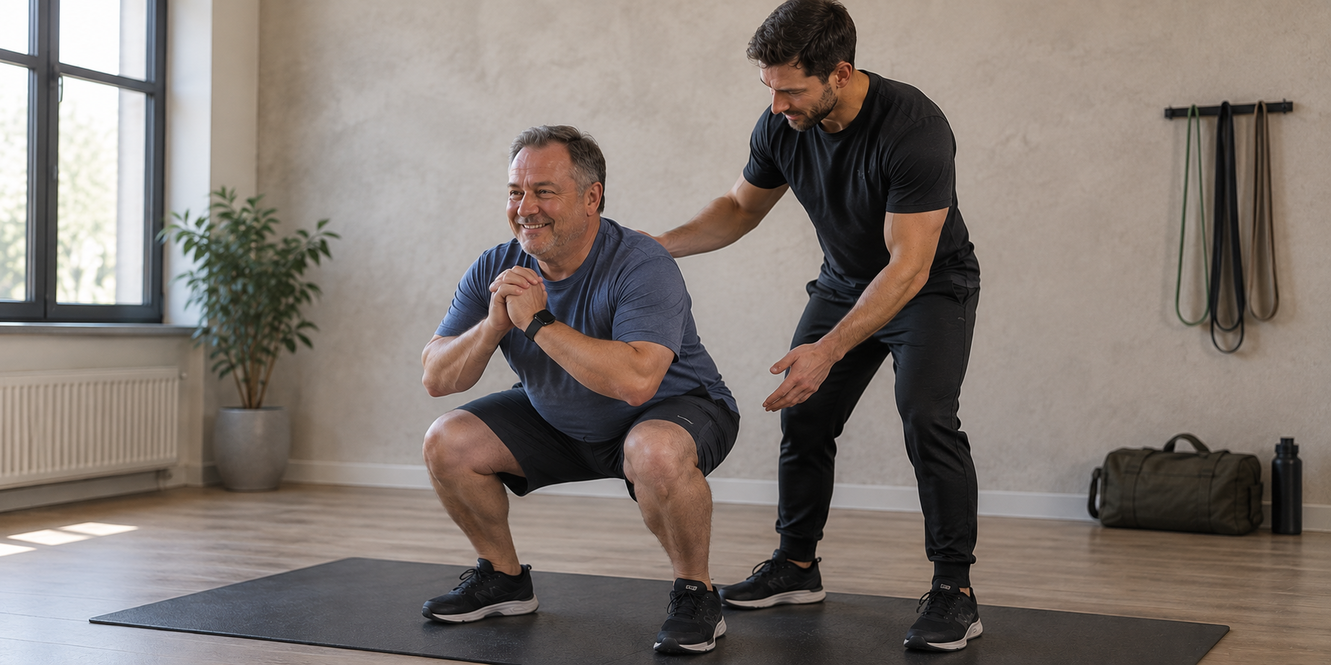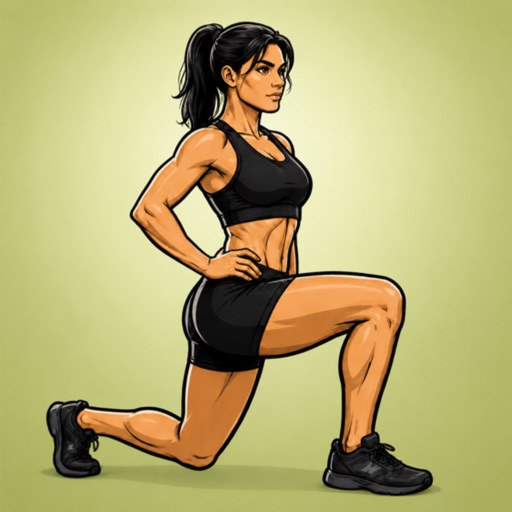

Find the movement you need
Search by an exercise name or filter by track, body area and difficulty. You can combine the filters, so a search for a beginner arm movement does not require browsing the full library.
The men's and women's demonstrations are separate records. A familiar name can appear in both tracks with a different video and different technique cues.
Watch, read, then practice
Each exercise page has its original demonstration, numbered technique cues and a description of the intended sensation where one is supplied in the app. You can replay the video and pause it to inspect a position.
The difficulty score comes from the app's content rating on a five-point scale. It helps compare movements inside this library; it does not measure your personal readiness.
Explore related movements carefully
Related alternatives stay within the same track. Follow their links to compare the starting position, body area and difficulty. An alternative can be harder or easier than the movement you started with.
When you want a complete session, open a workout or plan day instead of assembling unrelated demonstrations. Those pages preserve the authored exercise order.
Keep useful pages close
Every exercise, workout and plan has its own address. Bookmark a movement you want to revisit or a plan day you are preparing to follow.
You can also print a plan overview. The website is a content library: your calendar and bookmarks are yours to manage.
Plan and exercise examples refer to the published Military Calisthenics app content. This guide is educational and is not an individual training assessment.